
Published 16 November 2026 | Updated 16 November 2026
Mobile App Development
What the Google Play Rule Says
Google Play sets a minimum targetSdkVersion every year. For 2026 the rules are:
| Phone and tablet apps | Minimum target |
|---|---|
| New apps and app updates (from 31 Aug 2026) | Android 16 (API 36) |
| Existing apps, to stay visible to new users on newer Android versions | Android 15 (API 35) |
Other form factors have lower minimums: Wear OS and Android Automotive OS apps must target Android 15 (API 35), and Android TV and Android XR apps must target Android 14 (API 34).
The one-time extension to 1 November 2026 had to be requested in Play Console. From today there is no grace period left for phone and tablet apps.
What Happens If You Do Nothing
- You cannot publish updates. Play Console rejects any upload whose target is below API 36. A crash fix or payment fix waits until the upgrade is done.
- Your current version stays live for people who already installed it.
- New users may not find you. If your app targets below API 35, Google Play hides it from new users on devices running an Android version higher than your target.
- The gap gets wider each year. Google raises the minimum every August, so an app that skips one year has two years of behaviour changes to absorb at once.
What Breaks When You Target API 36
Raising the number is one line in your Gradle file. The work is in the behaviour changes that switch on when you do. These are the ones Google lists for apps targeting Android 16:
1. Edge-to-edge is mandatory
The windowOptOutEdgeToEdgeEnforcement attribute that many apps used to delay edge-to-edge is deprecated and ignored on Android 16 devices. Your app draws behind the status bar and navigation bar, so toolbars, bottom buttons and input fields can end up hidden under system bars. The fix is to handle window insets in every screen (Compose: WindowInsets and Modifier.windowInsetsPadding; Views: ViewCompat.setOnApplyWindowInsetsListener).
2. Predictive back replaces onBackPressed
Predictive back animations are on by default. onBackPressed() is no longer called and KEYCODE_BACK is no longer sent. Any screen that intercepts back (unsaved-form warnings, closing a drawer, custom navigation) stops working until it moves to OnBackPressedCallback from AndroidX. A temporary opt-out exists:
<application android:enableOnBackInvokedCallback="false" ... >
3. Tablets and foldables ignore orientation locks
On screens 600dp wide or more, Android 16 ignores screenOrientation, resizeableActivity="false", minAspectRatio and maxAspectRatio. A portrait-only app now fills a tablet held sideways. Expect stretched layouts and more activity re-creation on rotation, so UI state must survive configuration changes. Games are exempt. A temporary opt-out, android.window.PROPERTY_COMPAT_ALLOW_RESTRICTED_RESIZABILITY, stops working when you target API 37.
4. Text in Indian and South-East Asian scripts can shift
elegantTextHeight is ignored. Google is retiring the compact "UI fonts" for Arabic, Lao, Myanmar, Tamil, Gujarati, Kannada, Malayalam, Odia, Telugu and Thai. If your app serves users in these languages, check buttons, chips and fixed-height rows for clipped text. This one is easy to miss when testing only in English.
5. Heart-rate and body-sensor permissions change
BODY_SENSORS and BODY_SENSORS_BACKGROUND are replaced by granular health permissions such as READ_HEART_RATE and READ_HEALTH_DATA_IN_BACKGROUND. Mobile apps must also declare an activity that shows their privacy policy, or the permission is revoked. Fitness, wellness and healthcare apps need this before release.
6. Smaller changes worth checking
- Fixed-rate timers: scheduleAtFixedRate now runs at most one missed execution when the app returns, not all of them.
- Bluetooth: new ACTION_KEY_MISSING and ACTION_ENCRYPTION_CHANGE broadcasts for bond loss and encryption changes.
- Stricter intent matching is available as an opt-in through android:intentMatchingFlags.
- Local network access (smart home, casting, printers) will need the NEARBY_WIFI_DEVICES permission once Google enforces it. You can test the restriction now.
Step-by-Step Upgrade Checklist
- Branch and update the build: set compileSdk and targetSdk to 36, then update the Android Gradle Plugin, Kotlin and AndroidX libraries (Activity, Core, Fragment, Navigation) to versions that support Android 16.
- Update third-party SDKs: payments, analytics, ads, maps and push SDKs often need new versions. An outdated SDK is the most common reason an upgrade takes longer than planned.
- Flutter and React Native apps: upgrade the framework to a release whose notes confirm Android 16 support, then update plugins. Most edge-to-edge and back-handling fixes come from the framework and plugin updates.
- Fix insets screen by screen on an Android 16 emulator with gesture navigation and 3-button navigation.
- Move back handling to OnBackPressedCallback and test every screen that used onBackPressed().
- Test a tablet and a foldable emulator (600dp and wider), rotating on each screen, to find layout and state-loss bugs.
- Test in the regional languages you support, especially Tamil, Telugu, Kannada, Malayalam, Gujarati, Odia and Arabic.
- Review permissions for health sensors and local network use.
- Release through internal testing, read the Play Console pre-launch report, then use a staged rollout (for example 10%, 50%, 100%) while watching Android vitals for crashes.
How Long the Upgrade Takes
It depends less on the size of the app than on how far behind it is. An app already targeting API 35 with current libraries usually needs a few days of fixes and testing. An app targeting API 33 or lower, with old SDKs or an outdated Flutter or React Native version, has two or three years of changes to absorb and can take several weeks. A short audit tells you which case you are in before you commit to a date.
Plan for Next Year Now
Google has raised the target level every August for several years, so the next step to API 37 is likely to follow the same pattern in 2027. The large-screen opt-out above also ends at API 37. Fixing insets, back handling and large-screen layouts properly now, rather than relying on opt-outs, makes next year's upgrade small.
Sources
Quick answer
Since 31 August 2026, every new app and app update submitted to Google Play must target Android 16 (API level 36). Developers could request an extension to 1 November 2026, and that date has now passed. Existing apps stay listed, but apps targeting below API 35 are hidden from new users on devices running a newer Android version.
Google Play now rejects any new app or app update that does not target Android 16 (API level 36). The optional extension ran out on 1 November 2026, so an app still on an older target cannot ship even a bug fix until it is upgraded.
Frequently Asked Questions
Quick answers related to this article from PerfectionGeeks.
1. What is the Google Play API 36 deadline?
2. Will my app be removed from Google Play if it does not target API 36?
3. Can I still get an extension for API 36?
4. What usually breaks when targeting Android 16?
5. Do Flutter and React Native apps need to upgrade too?
6. How long does an API 36 upgrade take?
Conclusion
The Google Play API 36 requirement is now fully in force: no new updates ship until your app targets Android 16. The upgrade itself is predictable work if you handle edge-to-edge, predictive back, large screens and fonts in that order and test on real device sizes. Need it done quickly? Our Android app development team runs an API 36 audit of your codebase, lists every breaking change with an estimate, and ships the upgrade through a staged rollout. Ask for an API 36 audit. PerfectionGeeks Technologies provides software development from an in-house team of 50+ engineers, designers and QA specialists in Gurugram, India. Over 12+ years we have delivered 200+ projects, and clients rate us 4.9/5 on Clutch across 45+ reviews. Recent project: ProcureRight is a procurement platform for India's construction industry with BOQ upload, multi-vendor RFQs, quote comparison and digital purchase orders; 10,000+ vendors and 200,000+ products are on the platform. How we work: 1. discovery and a written scope, 2. design in Figma, 3. development in short sprints, 4. testing on real devices and browsers, 5. launch and ongoing support. Standards we work to: OWASP Top 10 and Google's Core Web Vitals documentation (official documentation).About PerfectionGeeks
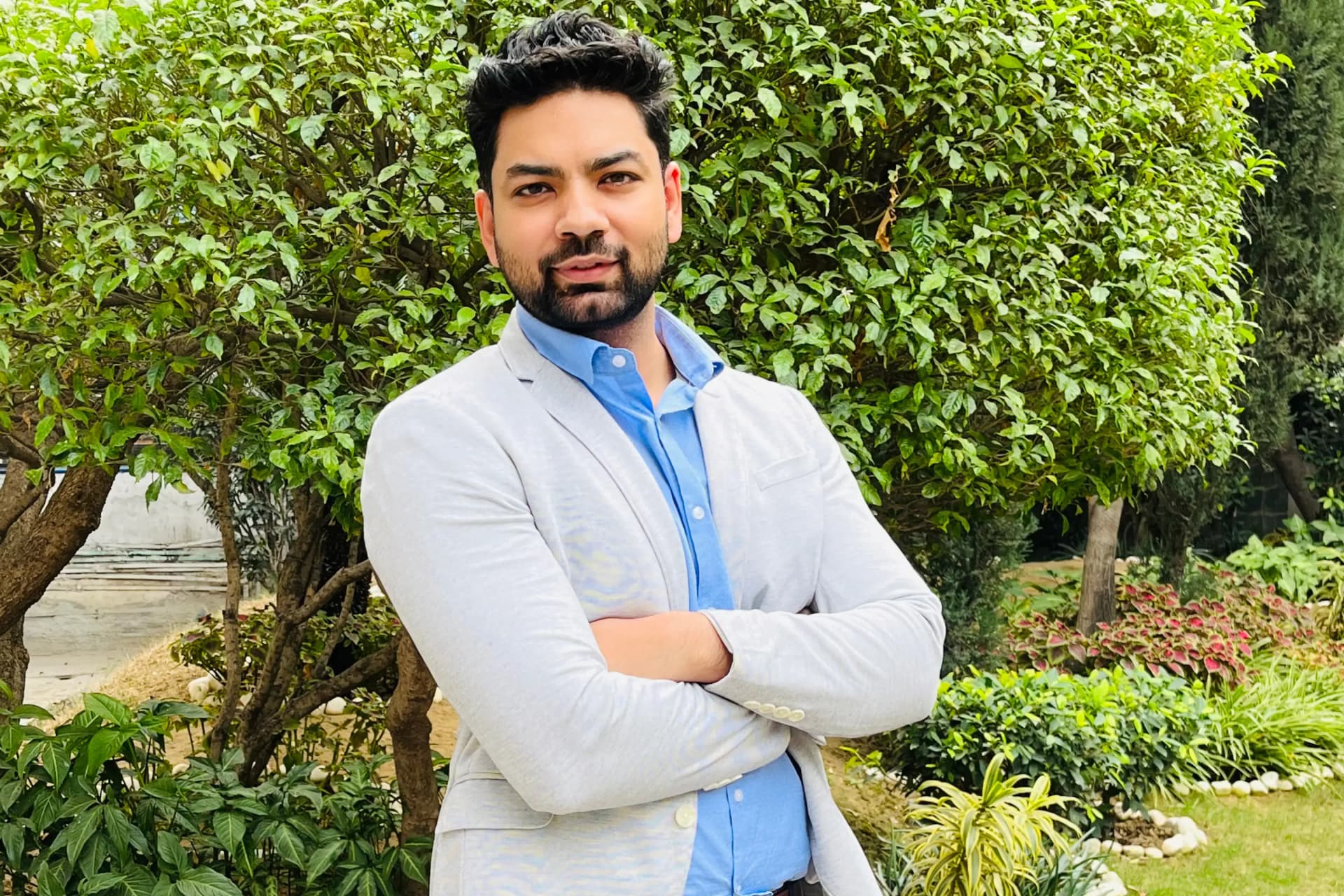
Shrey Bhardwaj is the Director & Founder of PerfectionGeeks Technologies, bringing extensive experience in software development and digital innovation. His expertise spans mobile app development, custom software solutions, UI/UX design, and emerging technologies such as Artificial Intelligence and Blockchain. Known for delivering scalable, secure, and high-performance digital products, Shrey helps startups and enterprises achieve sustainable growth. His strategic leadership and client-centric approach empower businesses to streamline operations, enhance user experience, and maximize long-term ROI through technology-driven solutions.
Meet the PerfectionGeeks team