
Published 17 September 2026 | Updated 23 September 2026
Technology
5 Essential Tips for Using ChatGPT in Video Editing
Video editing has become more accessible as artificial intelligence continues to improve. Instead of handling every part of the production process manually, creators can use AI to brainstorm ideas, organize footage, develop scripts, improve captions, and plan the structure of a video. ChatGPT can be particularly useful because it allows creators to describe what they want in natural language and receive practical suggestions.
However, getting useful results depends largely on how you communicate with the AI. A vague request may produce a generic answer, while a detailed prompt can provide a much more useful editing plan. For creators working with short-form content, tutorials, marketing videos, or social media clips, knowing how to use ChatGPT effectively can make the editing process more organized.
- Start with a detailed editing brief: Clearly explain the video's purpose, audience, duration, platform, footage, style, and desired outcome.
- Plan before editing: Use ChatGPT to create scene-by-scene structures, identify unnecessary content, and organize the overall video flow before working on the timeline.
- Be specific about pacing and style: Describe your preferred cuts, transitions, clip lengths, captions, visual changes, and tone so the AI can provide more relevant editing suggestions.
- Use AI for supporting content: ChatGPT can help create scripts, captions, hooks, titles, scene notes, descriptions, and variations for different platforms.
- Treat AI edits as drafts: Always review and refine AI-generated edits for timing, accuracy, audio, captions, transitions, visuals, branding, and overall storytelling.
- Write better prompts: Include specific project details rather than using vague instructions such as “Make this video better.”
- Explore multiple approaches: Ask for different editing plans—for example, one optimized for short-form content and another for long-form YouTube videos.
- Keep human creativity in control: AI can reduce repetitive preparation and provide structure, but the creator should make the final creative and editorial decisions.
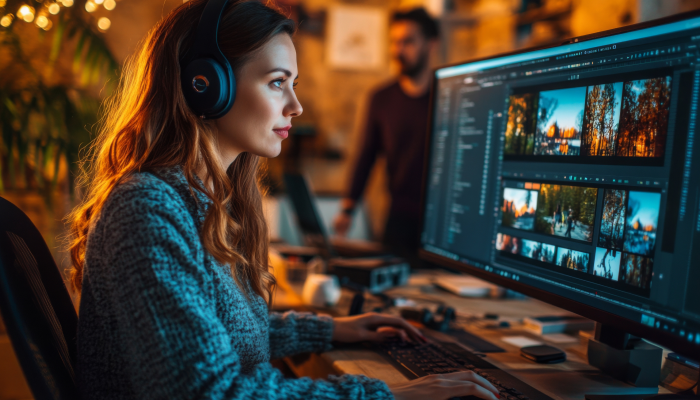
Below are five essential tips for using ChatGPT in video editing.
1. Start With a Clear Editing Brief
One of the easiest ways to get better results from ChatGPT is to provide a clear editing brief before asking for suggestions. Instead of simply saying, “Help me edit this video,” explain what the video is about, who will watch it, where it will be published, and what result you want.
For example, you could describe a project as a 60-second product video designed for social media. You might explain that the opening should grab attention quickly, the middle should demonstrate the product, and the ending should include a simple call to action.
You can also provide information about the available footage. Mention the number of clips, approximate clip lengths, important scenes, dialogue, music requirements, and preferred video format.
A detailed brief gives ChatGPT enough context to suggest a logical structure. It can help you create an outline that includes an opening hook, main sections, transitions, captions, and a closing sequence.
The more specific your instructions are, the easier it becomes to turn AI-generated suggestions into practical editing decisions.
2. Use ChatGPT to Plan Your Video Before Editing
Jumping directly into an editing timeline can sometimes make the process unnecessarily complicated. Before arranging clips, use ChatGPT to develop a basic editing plan.
For example, you can ask for a scene-by-scene structure for a two-minute educational video. ChatGPT can help divide the video into sections and suggest what information should appear in each part.
A basic plan might include:
- An attention-grabbing opening
- A short introduction to the topic
- The main explanation or demonstration
- Supporting visuals or examples
- A concise conclusion
This approach can help you identify unnecessary material before spending time editing it.
AI-assisted workflows can also help organize uploaded footage. For example, CapCut × Codex describes a workflow in which creators can provide video clips and editing instructions, allowing the system to help identify useful moments, remove unwanted sections, arrange clips, and prepare an editable rough cut.
This does not mean the first AI-generated structure should be treated as the final version. Instead, consider it a starting point that you can inspect and modify.
3. Give Specific Instructions About Pacing and Style
Pacing can significantly affect how viewers experience a video. A fast-paced social media video may need shorter scenes and quicker transitions, while a tutorial may benefit from longer shots that give viewers enough time to understand the information.
When working with ChatGPT, describe the pacing you want instead of leaving the decision completely open.
For example, you could ask for:
- Quick cuts during the opening
- Longer clips during explanations
- Minimal transitions
- Captions for important points
- A stronger visual change every few seconds
- A calm and professional style for educational content
You can also describe your target audience. A beginner-focused tutorial may need simple explanations and slower pacing, whereas content aimed at experienced viewers may move more quickly.
A connected AI video-editing workflow can also use instructions about clip order, pacing, target duration, and format when preparing a rough cut. CapCut × Codex specifically describes using natural-language instructions to communicate these editing preferences.
The key is to treat AI as an assistant that follows your creative direction rather than allowing it to make every decision without review.
4. Use AI for Captions, Scripts, and Supporting Content
Video editing involves more than cutting clips together. Creators often need scripts, subtitles, titles, descriptions, scene notes, and social media variations.
ChatGPT can help prepare these supporting elements before or during the editing process. For example, you can provide a transcript and ask for a shorter version suitable for captions. You can also ask it to identify important sentences that could become on-screen text.
For a tutorial, ChatGPT can help turn a long explanation into concise caption segments. For a social media video, it can suggest several opening hooks and help organize the script into short sections.
AI-assisted video workflows can also help prepare captions and language variations, while the final editor can be used to control caption timing, placement, appearance, and rhythm.
If you are using a connected workflow, a ChatGPT video editing tool can also help organize source footage and prepare an editable starting point. The important part is to review every caption and script carefully, especially names, technical terms, numbers, and specialized information.
AI-generated text should be treated as a draft. Human review remains important for accuracy and natural presentation.
5. Always Review and Refine the AI-Generated Edit
Perhaps the most important tip is to avoid treating an AI-generated edit as finished simply because it looks complete.
AI can help reduce repetitive work, but creative judgment is still necessary. A clip may technically fit the requested sequence but feel unnecessary when viewed in context. A transition may work visually but distract from the message. Captions may also need adjustments to match the speaker's timing.
After receiving an AI-assisted rough cut, watch the entire video from beginning to end. Check whether the opening is engaging, whether the story flows naturally, and whether each scene contributes something useful.
Pay attention to:
- Clip order
- Timing and pacing
- Audio levels
- Caption accuracy
- Visual consistency
- Transitions
- Background music
- Aspect ratio
- Branding
- Final export quality
CapCut × Codex emphasizes that the resulting draft remains editable and that creators can continue refining the structure, timing, visuals, captions, audio, and format.
This review stage is what turns an automated first draft into a polished piece of content. AI can provide speed and structure, while the creator provides context, taste, and final creative decisions.
How to Write Better Prompts for Video Editing
Good prompts can make a noticeable difference when using ChatGPT for video-related tasks. Instead of writing a short and unclear request, provide information about the project and explain exactly what you need.
For example, rather than asking, “Make this video better,” you could say:
“Create a 60-second editing plan for a beginner-friendly technology tutorial. Start with a five-second hook, use short clips during the introduction, keep explanations clear, suggest where captions should appear, and finish with a concise conclusion.”
You can also ask ChatGPT to produce multiple editing approaches. For example, request one version designed for TikTok-style short-form content and another designed for YouTube.
This gives you alternatives without requiring you to build each structure from scratch.
Frequently Asked Questions
Quick answers related to this article from PerfectionGeeks.
1. Can ChatGPT help with video editing?
2. How can I write better prompts for video editing?
3. Can AI automatically create a complete video?
4. Is ChatGPT useful for short-form videos?
5. Should I trust an AI-generated video edit without reviewing it?
Conclusion
ChatGPT can be a useful companion throughout the video-editing process. It can help with planning, scripting, organizing ideas, captions, pacing, and rough-cut preparation. The biggest benefit comes from combining AI assistance with clear instructions and careful human review. The five key practices are simple: create a detailed editing brief, plan the video before editing, provide clear pacing instructions, use AI for supporting content, and carefully refine the final result. AI does not have to replace traditional editing skills. Instead, it can reduce repetitive work and help creators move from an idea to an editable first draft more efficiently. With the right workflow, creators can spend less time on routine preparation and more time improving the story, visuals, and overall quality of their videos.
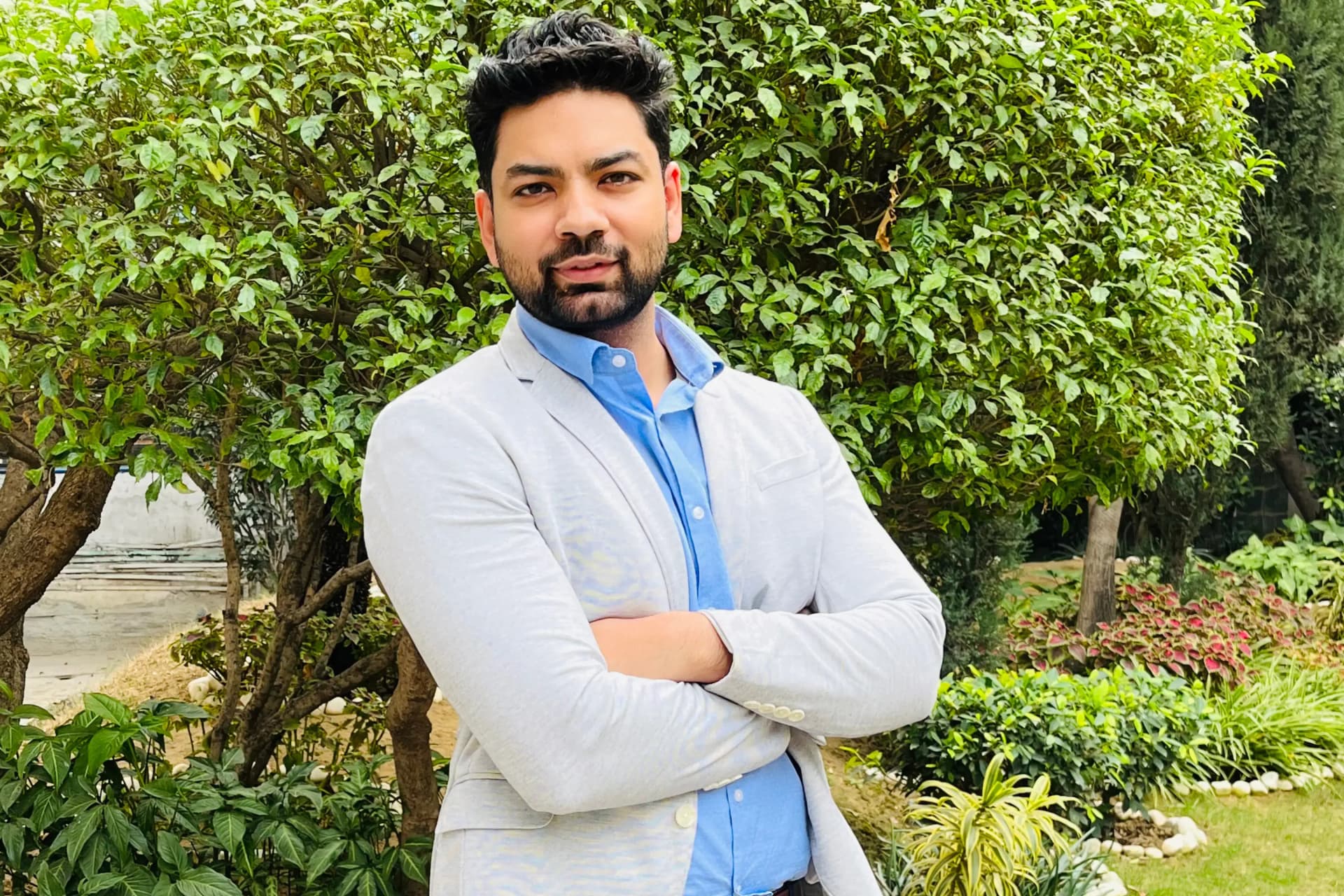
Shrey Bhardwaj is the Director & Founder of PerfectionGeeks Technologies, bringing extensive experience in software development and digital innovation. His expertise spans mobile app development, custom software solutions, UI/UX design, and emerging technologies such as Artificial Intelligence and Blockchain. Known for delivering scalable, secure, and high-performance digital products, Shrey helps startups and enterprises achieve sustainable growth. His strategic leadership and client-centric approach empower businesses to streamline operations, enhance user experience, and maximize long-term ROI through technology-driven solutions.