
Published 10 April 2026 | Updated 10 April 2026
Software
Healthcare Kiosk Software Development Services: Features, Costs & Implementation Guide
The healthcare industry is rapidly adopting digital technologies to enhance patient experiences and streamline operational workflows. One of the most impactful innovations is the Healthcare kiosk system, which empowers patients to access services independently while reducing the administrative burden on medical staff. From patient check-ins to telemedicine consultations, Medical self-service kiosks are transforming how healthcare providers deliver care.
Introduction to Healthcare Kiosk Software
Healthcare kiosk software is a specialized digital solution designed to automate patient-facing services within hospitals, clinics, pharmacies, and diagnostic centers. These self-service systems allow patients to register, schedule appointments, make payments, access medical records, and navigate healthcare facilities without requiring direct assistance from staff.
Modern kiosk development software integrates seamlessly with hospital management systems, electronic health records (EHR/EMR), and payment gateways, ensuring a smooth and efficient patient journey. With the rise of automation and artificial intelligence, AI kiosk software development is further enhancing these systems by enabling predictive analytics, voice assistance, and personalized patient interactions.
Types of Healthcare Kiosks in Modern Healthcare
Healthcare organizations deploy various types of kiosks to address different operational needs. Understanding these types helps institutions select the most suitable solution.
- Patient Check-In and Registration Kiosks
These kiosks allow patients to register their arrival, update personal information, and verify insurance details, significantly reducing waiting times. - Payment and Billing Kiosks
Patients can securely pay medical bills using multiple payment methods, improving revenue collection and minimizing administrative workload. - Wayfinding and Information Kiosks
These kiosks help patients navigate large healthcare facilities by providing interactive maps and directions. - Telemedicine Kiosks
Telemedicine-enabled kiosks facilitate remote consultations with healthcare professionals, especially beneficial in rural or underserved areas. - Pharmacy and Prescription Refill Kiosks
Patients can request prescription refills and access medication information quickly and efficiently. - Visitor Management Kiosks
These systems streamline visitor check-ins and enhance security within healthcare facilities.
Each Healthcare kiosk system plays a crucial role in improving operational efficiency and patient satisfaction.
Key Features of Healthcare Kiosk Software
A robust healthcare kiosk software development solution includes a range of features designed to enhance usability, security, and efficiency:
Self-Service Patient Registration: Enables quick and accurate check-ins.
Appointment Scheduling and Management: Allows patients to book or modify appointments.
EHR/EMR Integration: Ensures seamless access to patient medical records.
Secure Payment Processing: Supports multiple payment options with encryption.
Multi-Language Support: Enhances accessibility for diverse patient populations.
Contactless and QR-Based Check-In: Minimizes physical interaction and improves hygiene.
Insurance Verification and ID Scanning: Automates administrative processes.
Real-Time Notifications: Sends appointment reminders and updates.
Data Analytics and Reporting: Provides insights for better decision-making.
Accessibility Features: Includes voice assistance and ADA-compliant interfaces.
AI-Powered Assistance: Through AI kiosk software development, kiosks can offer personalized guidance and predictive recommendations.
These features make kiosk software development tools essential for building scalable and user-friendly healthcare solutions.
Benefits of Healthcare Self-Service Kiosk Solutions
Implementing a Medical self-service kiosk offers numerous advantages for both healthcare providers and patients, enhancing efficiency, accuracy, and overall patient satisfaction.
1. Reduced Waiting Times
Self-service kiosks enable patients to check in, update information, and complete registrations quickly without relying on front-desk staff.
This streamlines administrative workflows, minimizes queues, and ensures a smoother patient flow within healthcare facilities.
2. Improved Patient Experience
A Medical self-service kiosk provides patients with greater convenience and control over their healthcare interactions.
Features like privacy during registration and easy appointment management enhance overall satisfaction and engagement.
3. Enhanced Operational Efficiency
Automation of routine tasks such as check-ins and billing reduces the administrative burden on healthcare staff.
This allows personnel to focus on critical patient care activities, improving productivity and service quality.
4. Cost Savings
By reducing the need for extensive front-desk staffing, healthcare organizations can significantly lower operational expenses.
Additionally, automated processes minimize paperwork and administrative overhead, leading to long-term financial savings.
5. Accurate Data Collection
Digital data entry through kiosks reduces the likelihood of human errors associated with manual record-keeping.
This ensures that patient information is accurate, up-to-date, and seamlessly integrated with existing healthcare systems.
6. Increased Revenue
Integrated payment systems within kiosks enable patients to settle bills quickly using multiple payment options.
Faster and more reliable transactions improve cash flow and reduce the chances of missed or delayed payments.
7. Better Infection Control
Contactless features such as QR code check-ins and touchless interfaces help limit physical interactions.
This enhances hygiene standards and reduces the risk of spreading infections within healthcare environments.
8. Scalability
A Medical self-service kiosk can be easily deployed across multiple departments or healthcare locations.
This flexibility allows organizations to expand their services efficiently while maintaining consistent patient experiences.
Challenges in Healthcare Kiosk Software Development
Despite the numerous benefits, healthcare kiosk software development presents several challenges:
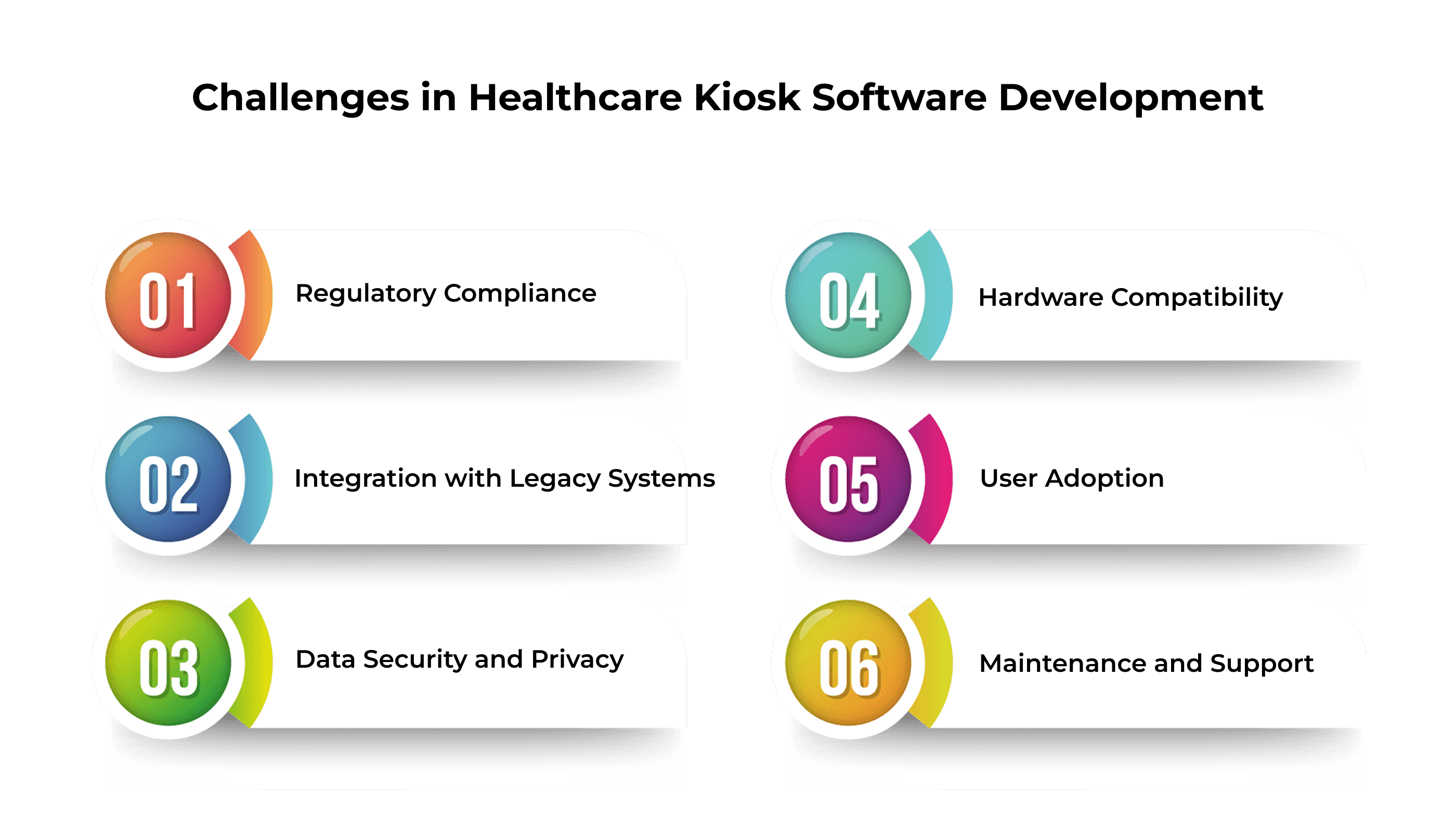
1. Regulatory Compliance Healthcare systems must adhere to strict regulations such as HIPAA and GDPR, requiring robust security and data protection measures.
2. Integration with Legacy Systems Many healthcare providers rely on outdated infrastructure, making seamless integration complex.
3. Data Security and Privacy Protecting sensitive patient information from cyber threats is a top priority.
4. Hardware Compatibility Kiosks must function effectively with various hardware components such as scanners, printers, and payment terminals.
5. User Adoption Designing intuitive interfaces is essential to ensure accessibility for patients of all age groups.
6. Maintenance and Support Ongoing updates and technical support are necessary for long-term reliability.
Partnering with experienced kiosk software development companies can help overcome these challenges effectively.
Healthcare Kiosk Software Development Process
Developing a successful healthcare kiosk system requires a well-structured and strategic approach. Each phase ensures the solution is secure, user-friendly, and compliant with healthcare standards.
1. Requirement Analysis and Planning
This initial stage focuses on understanding the healthcare facility’s business objectives, patient needs, and regulatory requirements such as HIPAA. It involves stakeholder discussions to define features, workflows, and project timelines. Proper planning ensures the kiosk aligns with operational goals.
2. UI/UX Design
An intuitive and accessible interface is essential for patients of all age groups and technical abilities. Designers create user-friendly layouts with clear navigation, multilingual support, and accessibility features. This step enhances patient engagement and reduces the need for staff assistance.
3. Technology Stack Selection
Choosing the right technologies ensures the kiosk is secure, scalable, and efficient. This includes selecting suitable programming languages, frameworks, databases, and hardware integrations. A well-chosen stack supports future upgrades and seamless system performance.
4. Custom Development
During this phase, developers build the kiosk software with tailored features such as patient check-in, appointment scheduling, bill payments, and report access. The system is customized to meet the specific needs of the healthcare provider. Emphasis is placed on security and reliability.
5. Integration with Third-Party Systems
Healthcare kiosks must connect with external systems like EHR/EMR platforms, payment gateways, laboratory systems, and insurance databases. Seamless integration ensures real-time data exchange and improves operational efficiency. This connectivity enhances the overall patient experience.
6. Testing and Quality Assurance
Rigorous testing is conducted to ensure the kiosk performs reliably under different conditions. This includes functional, security, usability, and performance testing. Quality assurance helps identify and resolve issues before deployment, ensuring compliance with healthcare standards.
7. Deployment and Installation
Once testing is complete, the kiosk software is deployed within the healthcare facility. This step includes hardware setup, system configuration, and network integration. Proper installation ensures smooth operation and minimal disruption to daily activities.
8. Training and Support
Staff training is essential to ensure effective use and management of the kiosk system. Ongoing technical support and maintenance help address issues, implement updates, and ensure continuous system performance. This guarantees long-term success and user satisfaction.
Cost of Healthcare Kiosk Software Development
The cost of healthcare kiosk software development varies depending on several factors, including feature complexity, integrations, hardware requirements, and compliance standards.
Estimated Cost Breakdown
| Complexity Level | Key Features | Estimated Cost (USD) | Development Timeline |
| Basic Kiosk | Patient check-in, appointment scheduling | $10,000 – $25,000 | 1 – 2 Months |
| Mid-Level Solution | Payment integration, EHR/EMR connectivity, analytics | $25,000 – $60,000 | 2 – 4 Months |
| Advanced/Enterprise | AI capabilities, telemedicine, multi-location support | $60,000 – $120,000+ | 4 – 8 Months |
Factors Influencing Costs
- Feature complexity and customization
- Integration with third-party systems
- Compliance and security requirements
- Hardware and installation costs
- Maintenance and support services
- Expertise of the kiosk software development company
Compliance, Security, and Data Privacy Considerations
Healthcare organizations must prioritize data protection when implementing Healthcare kiosk development services. Key considerations include:
1. HIPAA and GDPR Compliance: Ensuring patient data is handled securely and in accordance with regulatory standards.
2. Data Encryption: Using end-to-end encryption to safeguard sensitive information.
3. Secure Authentication: Implementing multi-factor authentication, biometric verification, or OTP-based access.
4. Role-Based Access Control: Restricting system access to authorized personnel only.
5. Audit Trails and Monitoring: Maintaining logs for compliance and security audits.
6. Regular Security Updates: Continuous monitoring and patching to prevent vulnerabilities.
A reliable kiosk software development company ensures adherence to these compliance requirements.
Why PerfectionGeeks Is the Right Partner for Healthcare Kiosk Development
Choosing the right partner for Healthcare kiosk software development is critical to ensuring seamless integration, compliance, and long‑term scalability. PerfectionGeeks stands out as a trusted kiosk software development company with proven expertise in delivering customized Healthcare kiosk development services that align with hospital workflows and patient needs. Our team specializes in building secure, HIPAA‑compliant solutions that integrate effortlessly with EMR/EHR systems, billing platforms, and insurance networks. Leveraging advanced AI kiosk software development, we create intelligent kiosks that enhance patient engagement through predictive analytics, voice assistance, and real‑time monitoring. With a track record of successful deployments across healthcare organizations, PerfectionGeeks combines innovation, reliability, and industry knowledge to deliver future‑ready Medical self‑service kiosks that improve efficiency, reduce costs, and elevate patient satisfaction.
Frequently Asked Questions
Quick answers related to this article from PerfectionGeeks.
1. What is healthcare kiosk software?
2. How do healthcare kiosks benefit hospitals and patients?
3. ow much does healthcare kiosk software development cost?
4. Why choose PerfectionGeeks for healthcare kiosk development?
Conclusion
Healthcare kiosks are transforming medical services by streamlining check‑ins, payments, and telemedicine, while reducing costs and improving patient satisfaction. Successful Healthcare kiosk software development requires strategic planning, compliance with regulations, and collaboration with an experienced kiosk software development company. By leveraging advanced AI kiosk software development and secure Healthcare kiosk systems, PerfectionGeeks delivers tailored, scalable solutions that empower providers to offer efficient, patient‑centric care in a rapidly evolving industry.

Shrey Bhardwaj is the Director & Founder of PerfectionGeeks Technologies, bringing extensive experience in software development and digital innovation. His expertise spans mobile app development, custom software solutions, UI/UX design, and emerging technologies such as Artificial Intelligence and Blockchain. Known for delivering scalable, secure, and high-performance digital products, Shrey helps startups and enterprises achieve sustainable growth. His strategic leadership and client-centric approach empower businesses to streamline operations, enhance user experience, and maximize long-term ROI through technology-driven solutions.